HOW TO MAKE SYMBOLS WITH KEYBOARD
HOW TO MAKE SYMBOLS WITH KEYBOARD
Alt + 0153..... ™... trademark symbol
Alt + 0169.... ©.... copyright symbol
Alt + 0174..... ®....registered trademark symbol
Alt + 0176 ...°......degre e symbol
Alt + 0177 ...±....plus-or -minus sign
Alt + 0182 ...¶.....paragr aph mark
.
Alt + 0190 ...¾....fractio n, three- fourths
Alt + 0215 ....×.....multi plication sign
Alt + 0162...¢....the cent sign
Alt + 0161.....¡..... .upside down exclamation point
Alt + 0191.....¿..... upside down question mark
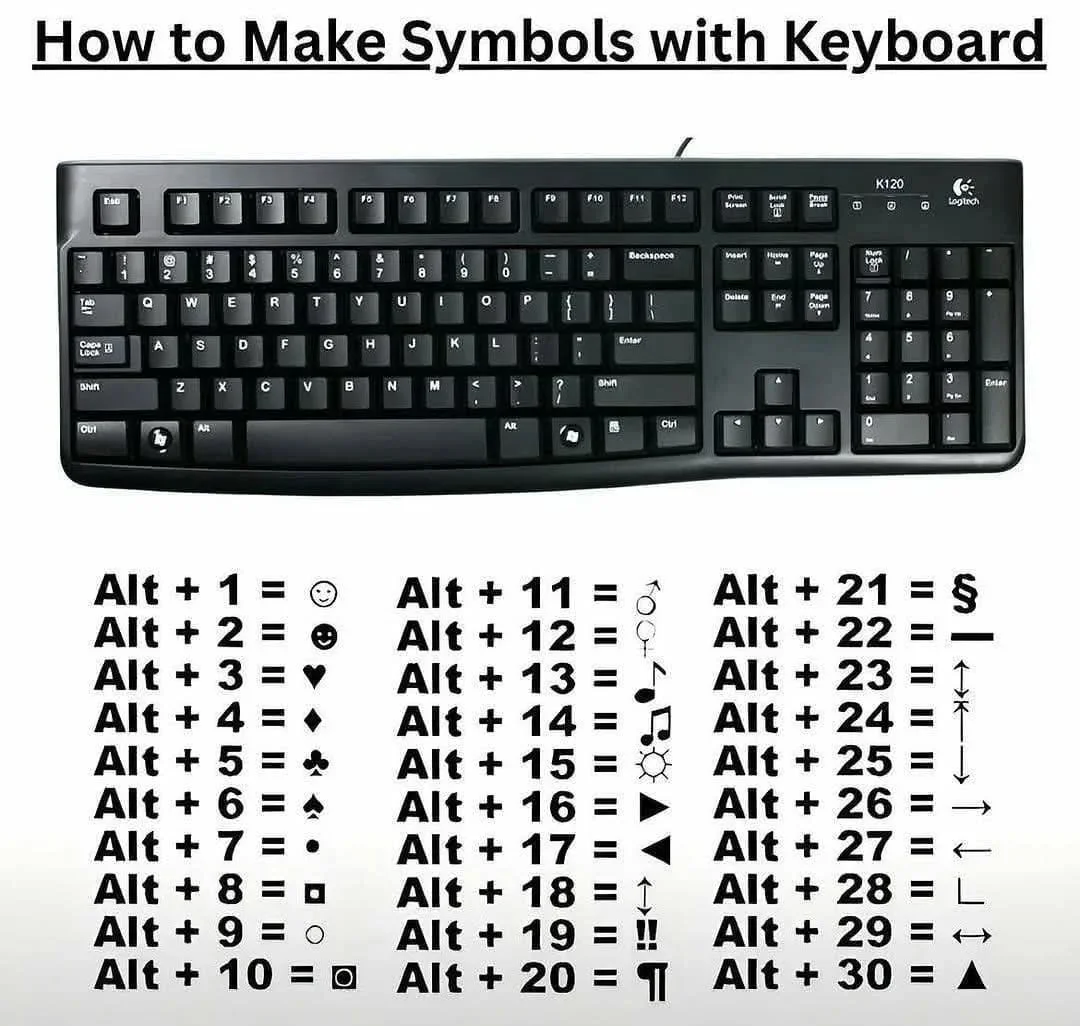
Alt + 1...........sm iley face
.
Alt + 2 ......☻.....bla ck smiley face
Alt + 15.....☼.....su n
Alt + 12......♀.....f emale sign
Alt + 11.....♂......m ale sign
Alt + 6....... .....s pade
Alt + 5....... ...... Club
Alt + 3............. Heart
Alt + 4....... ...... Diamond
Alt + 13......♪.....e ighth note
Alt + 14......♫...... beamed eighth note
Alt + 8721.... ∑.... N-ary summation (auto sum)
Alt + 251.....√.....s quare root check mark
Alt + 8236.....∞..... infinity
Alt + 24.......↑..... up arrow
Alt + 25......↓...... down arrow
Alt + 26.....→.....ri ght arrow
Alt + 27......←.....l eft arrow
Alt + 18.....↕......u p/down arrow
Alt + 29......↔...lef t right arrow
Note( It will not work on those laptops which dont have numeric keypads . you can use it in laptop through windows start menu ,click on search ,type"character map" . open character map ,now copy paste symbols .

Log in to like, dislike, or reply.
Replies 0
No comments yet
Log in to leave a comment.